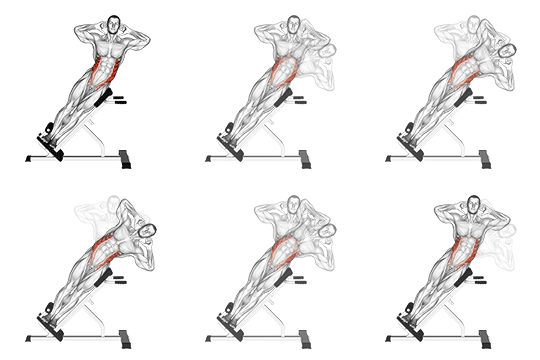
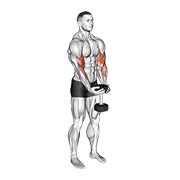
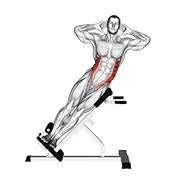
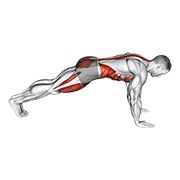
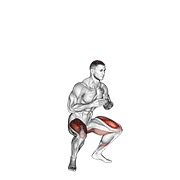
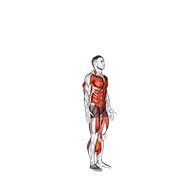
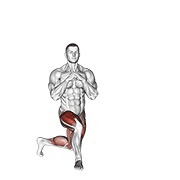
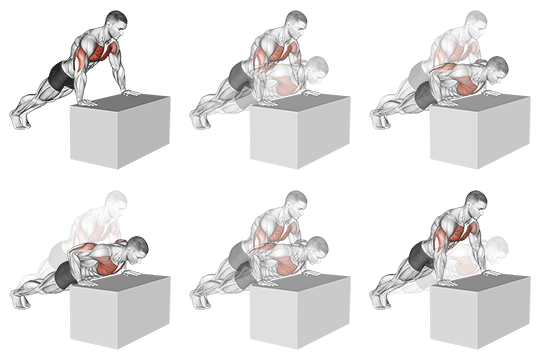
See every session
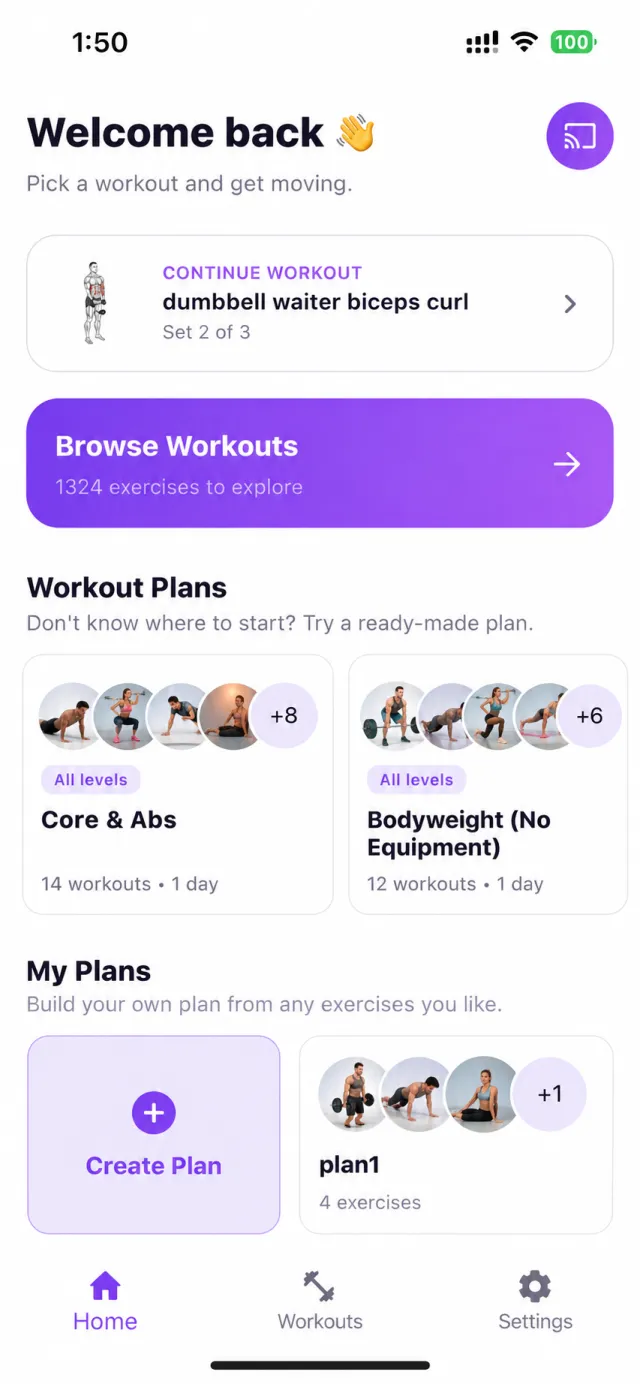
Today, yesterday and beyond, with sets done and weights lifted. Resume a half-finished exercise or replay a full one with one tap.
Today

Yesterday
Phone + Android TV, one connected workout
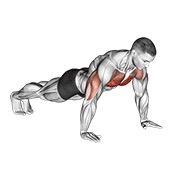
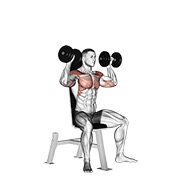
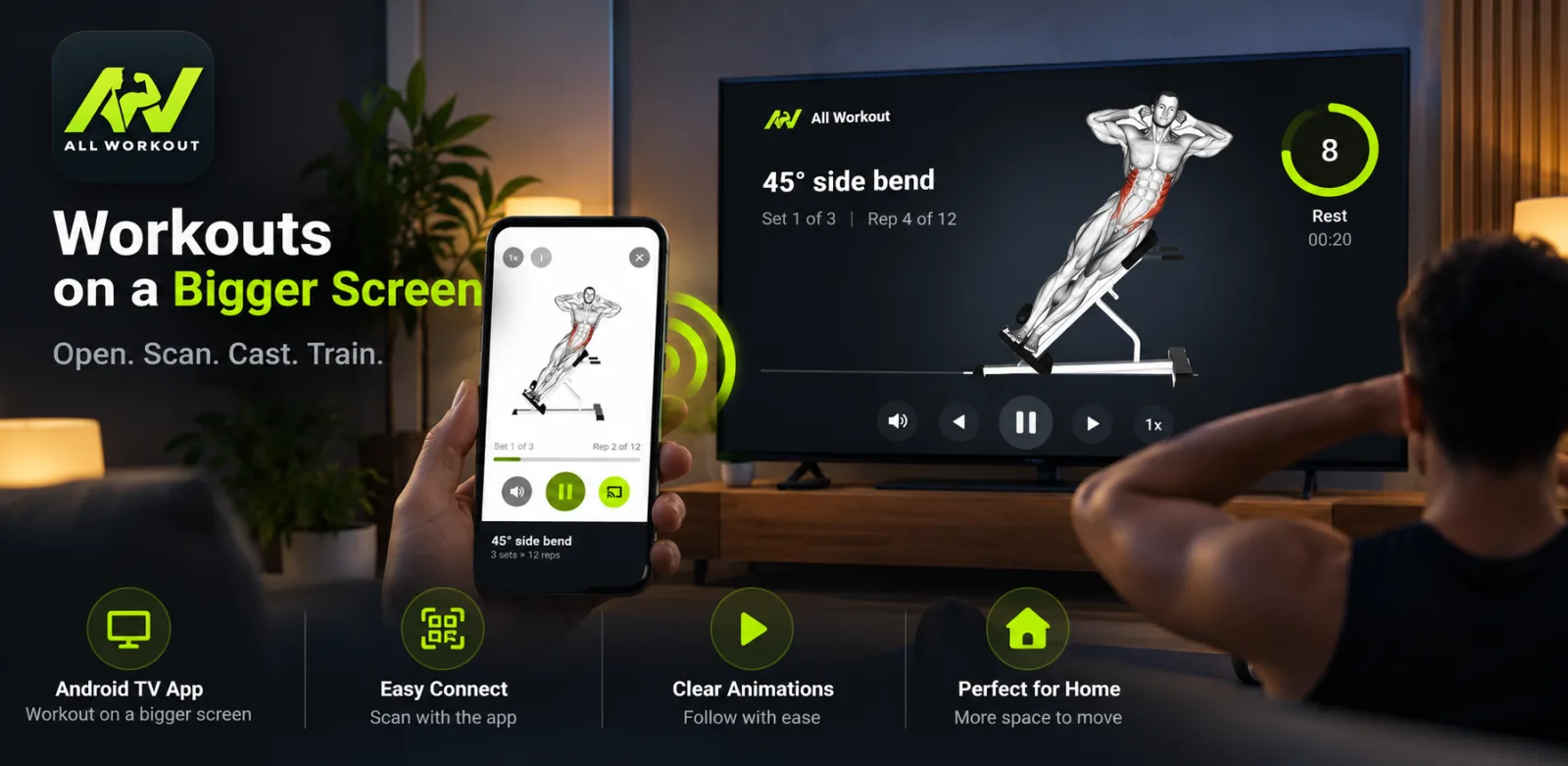
All Workout is two apps that work as one. The TV plays clear, animated demos you can follow across the room. Your phone is the remote, and it remembers every set, rep and weight.
All Workout

Live demo: tap the phone’s buttons and the TV follows
How it works
No cables, no Chromecast and no logins. The TV shows a QR code, your phone scans it, and the two are paired.
All Workout TVOpen the All Workout app on your phone, tap Cast, and scan this code.
Pick a workout on your phone to start.
All Workout
Point your camera at the code on your TV
The phone app
Browse, plan, train and log. It all works on its own, and it works with the TV when you want the big screen. Try each feature below.
Your goal
Experience
Higher reps, lower intensity. Builds a stable foundation, and it’s where everyone starts.


Tap a reminder to jump straight into the exercise
The Android TV app
Step back, get space to move, and follow demos you can read from the sofa. The TV handles timing, so you don’t have to look at your phone.
All WorkoutSet 1 complete!
Rest before set 2Rest length comes from your phone’s settings. Sound cues count down the last seconds.
All Workout TV
Keep track
Your phone quietly records what you did, even when you trained on the TV, so next time you know exactly where to start.
Today, yesterday and beyond, with sets done and weights lifted. Resume a half-finished exercise or replay a full one with one tap.
Today
Yesterday
Finish every set three sessions in a row and the app suggests a little more.
Open the weight sheet and last session’s weights are already filled in.
Your profile, plans, history and weights live on your device. There’s nothing to sign up for.
Screenshots
Both are free on Google Play. Start with the phone app, and add the TV app when you want the big screen.